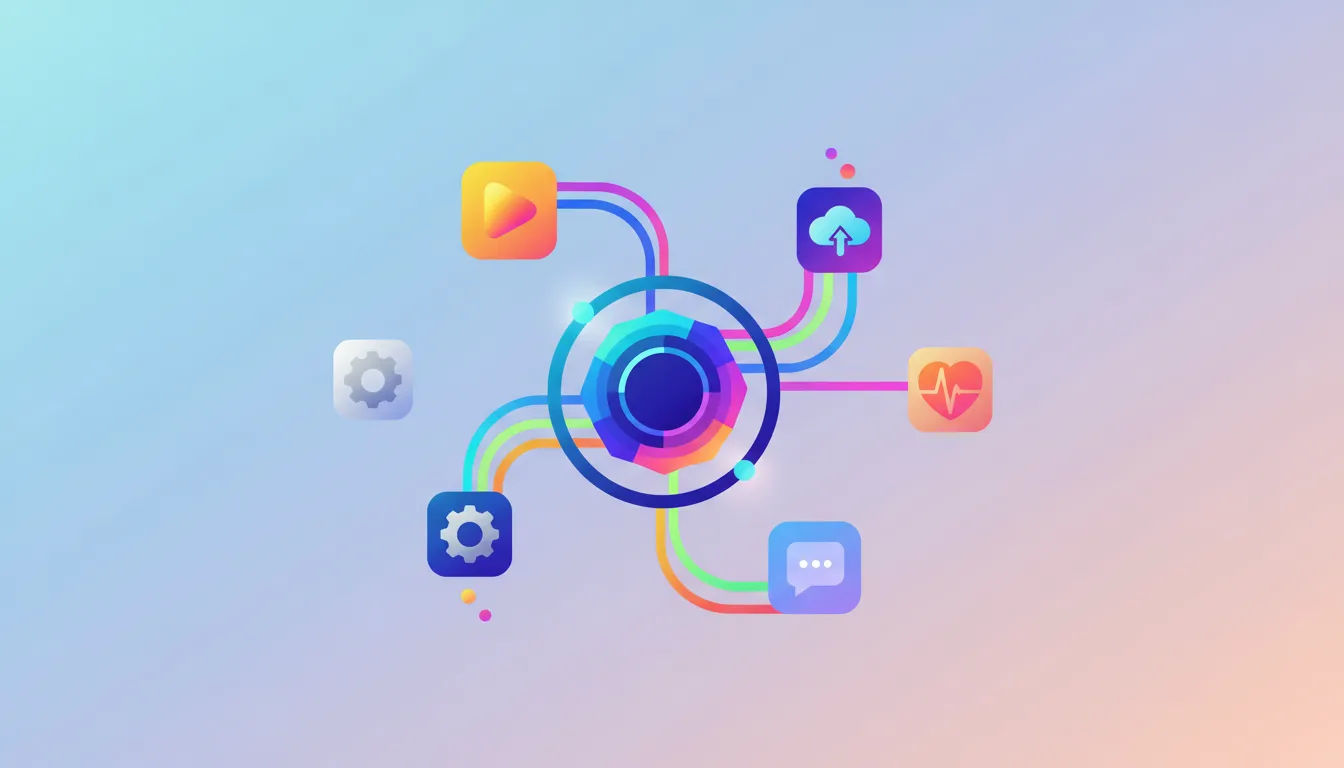
The average business uses between 80 and 120 software applications. Marketing runs campaigns in one platform, sales tracks deals in another, finance manages invoices in a third, and customer support handles tickets in a fourth. Each tool serves its purpose well in isolation, but together they create a fragmented landscape where data gets trapped in silos, employees waste time switching between systems, and critical information falls through the cracks. AI workflow integration solves this problem by connecting your business tools into a cohesive, intelligent system that shares data, triggers automated actions, and eliminates the manual work of keeping everything in sync. At Camfirst Solutions, we specialize in AI workflow integration that transforms disconnected software stacks into unified business engines.
The Cost of Disconnected Business Tools
Before exploring solutions, it is worth understanding just how much disconnected tools cost your organization. The impact goes far beyond inconvenience.
Data silos are the most visible symptom. When your CRM does not talk to your accounting system, sales reps cannot see outstanding invoices when speaking with customers. When your marketing platform does not share data with your CRM, leads fall into a black hole between the two systems. When your project management tool does not connect to your time tracking system, billing accuracy suffers.
These silos force employees to perform manual data transfers — copying information from one system to another through spreadsheets, emails, or even re-typing. This manual transfer process is slow, error-prone, and impossible to scale. Research suggests that knowledge workers spend an average of 4.5 hours per week on manual data transfer tasks. For a team of 20, that is 90 hours per week — more than two full-time employees — doing nothing but moving data between systems.
Decision-making also suffers when tools are disconnected. Executives who need a complete picture of business performance must request reports from multiple departments, wait for each team to pull data from their respective systems, and then attempt to reconcile inconsistencies between sources. By the time the consolidated report is ready, the data may already be stale.
Customer experience degrades as well. When a customer contacts support after making a purchase, the support agent should be able to see the customer’s order history, communication history, and account status instantly. If those details live in separate systems that do not share data, the agent must ask the customer to repeat information or put them on hold while searching multiple platforms.
What Is AI Workflow Integration?
AI workflow integration is the practice of connecting software applications through intelligent automation that shares data, triggers actions, and orchestrates multi-step processes across platforms. It goes beyond simple point-to-point connections by adding an intelligence layer that understands business context and makes decisions about how data should flow.
Traditional integration connects System A to System B with a fixed set of rules. When a new contact is created in the CRM, copy it to the email marketing list. When an invoice is paid in the accounting system, update the project status in the project management tool. These are useful but limited — they follow rigid if-then logic without any ability to adapt.
AI workflow integration adds contextual understanding. Instead of simply copying a new contact to the email list, the AI evaluates the contact’s attributes, predicts their segment, assigns them to the appropriate nurture campaign, and notifies the relevant sales rep — all based on learned patterns rather than hard-coded rules. Instead of just updating a project status when payment is received, the AI assesses the project’s completion percentage, generates the next invoice if applicable, and adjusts resource allocation for the project team.
This intelligence layer transforms integrations from passive data pipes into active business process automation that reduces manual work, prevents errors, and accelerates operations.
Core Components of AI Workflow Integration
API Connectivity
Application programming interfaces are the foundation of modern integration. Most business applications expose APIs that allow external systems to read data, write data, and trigger actions. AI workflow integration leverages these APIs to create bi-directional data flows between platforms.
The quality and comprehensiveness of available APIs varies significantly across applications. Enterprise platforms like Salesforce, HubSpot, and NetSuite offer extensive APIs that support virtually any integration scenario. Smaller or older applications may have limited API capabilities, requiring alternative approaches such as database connections, file-based integrations, or screen scraping.
Integration Middleware
Middleware platforms serve as the central hub that coordinates communication between connected applications. They handle data transformation (converting formats between systems), error handling (managing failures gracefully), and orchestration (coordinating multi-step workflows that span multiple systems).
Modern integration middleware includes pre-built connectors for popular applications, visual workflow designers for creating integration logic, and monitoring dashboards for tracking integration health. When combined with AI capabilities, these platforms can also learn from data patterns and suggest optimizations.
Data Mapping and Transformation
Different systems store and structure data differently. Your CRM might store customer names as a single field while your accounting system splits them into first name and last name. Your marketing platform might use email addresses as unique identifiers while your support system uses customer IDs. Data mapping defines how information translates between these different structures, ensuring accuracy across systems.
AI enhances data mapping by automatically detecting field relationships, handling format conversions, and resolving conflicts when the same data exists in different forms across systems.
Event-Driven Triggers
AI workflow integration operates on an event-driven model. Actions in one system trigger automated responses across connected systems. A new lead submission on your website triggers CRM record creation, sales notification, and email sequence enrollment. A closed deal triggers invoicing, project setup, and resource allocation. A support ticket escalation triggers management notification and SLA tracking.
These triggers can be simple (single event, single action) or complex (multiple conditions, branching logic, conditional actions based on AI evaluation).
Common Integration Scenarios
Sales and Marketing Alignment
Connecting your CRM to your marketing automation platform creates a closed-loop system where marketing activities directly influence sales priorities and sales outcomes inform marketing strategy. Lead scoring data flows from marketing to sales. Deal status updates flow from sales back to marketing. Campaign performance is measured against actual revenue, not just clicks and conversions.
This integration eliminates the classic complaint of sales teams receiving unqualified leads and marketing teams not knowing which campaigns drive revenue. For a deeper exploration of integration platforms that support this use case, read our analysis of the best AI integration platforms for 2026.
Finance and Operations
Connecting your accounting system to your project management, inventory, and procurement platforms creates financial visibility across operations. Purchase orders automatically generate accounting entries. Project milestones trigger invoicing. Inventory movements update financial records in real time.
This integration reduces month-end close times, improves financial accuracy, and gives leaders real-time insight into profitability at the project, department, or product level.
Customer Support and CRM
When your support platform connects to your CRM, support agents see the full customer context — purchase history, contract terms, previous interactions, and account status — without leaving their support interface. New support tickets create activities in the CRM record. Resolution details feed into customer health scores. Escalations notify account managers automatically.
HR and IT
Employee onboarding and offboarding involves actions across multiple systems — creating or disabling email accounts, granting or revoking software access, enrolling in or removing from benefits platforms, and provisioning or collecting hardware. AI workflow integration automates these cross-system processes, ensuring nothing is missed and compliance requirements are met consistently.
Building Your Integration Strategy
Step 1: Map Your Current Tool Landscape
Document every software application your organization uses, who uses it, what data it contains, and how it currently connects (or fails to connect) to other systems. This inventory reveals the full scope of your integration opportunity and helps prioritize which connections will deliver the most value.
Step 2: Identify High-Value Integration Points
Not every possible integration is worth building. Focus on connections that eliminate significant manual work, reduce costly errors, or enable capabilities that are currently impossible. Common high-value integration points include CRM-to-accounting for automated invoicing, marketing-to-CRM for lead management, and support-to-CRM for customer context.
Step 3: Choose Your Integration Approach
You have several options for building integrations, each with different strengths. No-code platforms like Zapier and Make offer quick setup for simple integrations. iPaaS solutions like Workato and Celigo handle more complex enterprise scenarios. Custom-built integrations using custom software development provide maximum flexibility and performance for unique requirements.
The right approach depends on your complexity needs, data volume, security requirements, and budget. Many businesses use a combination — no-code tools for simple workflows and custom integrations for mission-critical processes. For help deciding between these approaches, read our comparison of Zapier vs custom AI integration.
Step 4: Design for Reliability
Integrations must be resilient. Networks fail, APIs change, and systems go down for maintenance. Your integration architecture should include retry logic for failed connections, error alerting so issues are detected quickly, data validation to prevent corrupt data from propagating across systems, and fallback procedures for when integrations are temporarily unavailable.
Step 5: Implement Monitoring
Once integrations are live, continuous monitoring is essential. Track data sync latency, error rates, throughput volumes, and system health across all connected platforms. Proactive monitoring catches issues before they impact business operations.
The Role of AI in Modern Integration
AI adds several capabilities that elevate workflow integration beyond simple data piping.
Intelligent Routing
AI evaluates incoming data and routes it to the appropriate destination based on learned patterns. A new lead is not just added to the CRM — it is scored, segmented, and assigned to the right sales rep based on territory, expertise, and current workload. A new support ticket is not just created — it is categorized by issue type, assessed for severity, and routed to the agent best equipped to resolve it.
Anomaly Detection
AI monitors data flowing through integrations and flags anomalies that might indicate problems. An invoice amount that is significantly higher than the vendor’s historical average triggers a review. A sudden spike in support tickets from a specific customer segment triggers an investigation. A dramatic change in lead volume from a particular marketing channel prompts analysis.
Predictive Automation
AI integration can anticipate needs based on patterns. If inventory levels for a particular product consistently drop below the reorder point on Thursdays, the system proactively generates a purchase order on Wednesday. If project timelines consistently slip after the third milestone, the system alerts the project manager earlier in the process.
Data Enrichment
As data moves between systems, AI can enrich it with additional context. A new lead from a web form gets enriched with company size, industry, technology stack, and social media presence before it reaches the CRM. A new vendor gets enriched with credit ratings, compliance certifications, and peer reviews before it enters the procurement system.
Common Integration Challenges and Solutions
Data Quality Issues
Integration amplifies data quality problems. If your CRM contains duplicate records, those duplicates will propagate to every connected system. Address data quality before or alongside your integration project. Implement deduplication, standardization, and validation rules at the integration layer to prevent garbage data from flowing downstream.
Change Management
New integrations change how people work. Processes that previously required manual steps now happen automatically, which can be disorienting for employees accustomed to the old workflow. Invest in training, documentation, and change management to ensure your team understands and trusts the new automated processes.
Security and Access Control
When systems share data, the attack surface expands. Ensure that integration connections use secure authentication methods, that data is encrypted in transit, and that access controls are consistent across connected systems. A user who is restricted from viewing financial data in the accounting system should not gain access to that data through a CRM integration.
Vendor Lock-In
Building integrations on a single platform creates dependency. If that platform raises prices, changes capabilities, or shuts down, your integrations are at risk. Mitigate this by designing integrations with abstraction layers that can be ported to alternative platforms, and by maintaining documentation of all integration logic.
Measuring Integration Success
Track these metrics to quantify the impact of your AI workflow integration initiative.
Time saved per employee per week on manual data transfer tasks should decrease significantly — often by 4 to 8 hours. Data accuracy across systems should improve as manual copying is eliminated. Process cycle times — such as lead-to-close, invoice-to-payment, or ticket-to-resolution — should decrease as automated handoffs replace manual ones. Employee satisfaction often improves measurably as frustrating manual tasks are automated away.
The compounding effect of these improvements is substantial. When your AI automation services eliminate data silos, accelerate processes, and reduce errors simultaneously, the cumulative impact on productivity and profitability far exceeds what any single improvement could achieve.
Start Connecting Your Business Tools
Disconnected business tools are not just an inconvenience — they represent a significant drag on productivity, accuracy, and growth potential. AI workflow integration transforms your software stack from a collection of isolated tools into an intelligent, connected system that works as a unified whole.
At Camfirst Solutions, we design and implement AI workflow integrations that connect your CRM, accounting, marketing, support, and operational platforms into seamless automated workflows. Whether you need simple point-to-point connections or complex multi-system orchestrations, our team delivers integrations that are reliable, scalable, and intelligent.
Ready to connect your business tools and eliminate data silos? Contact our team to discuss your integration needs and discover how AI workflow automation can transform your operations.


