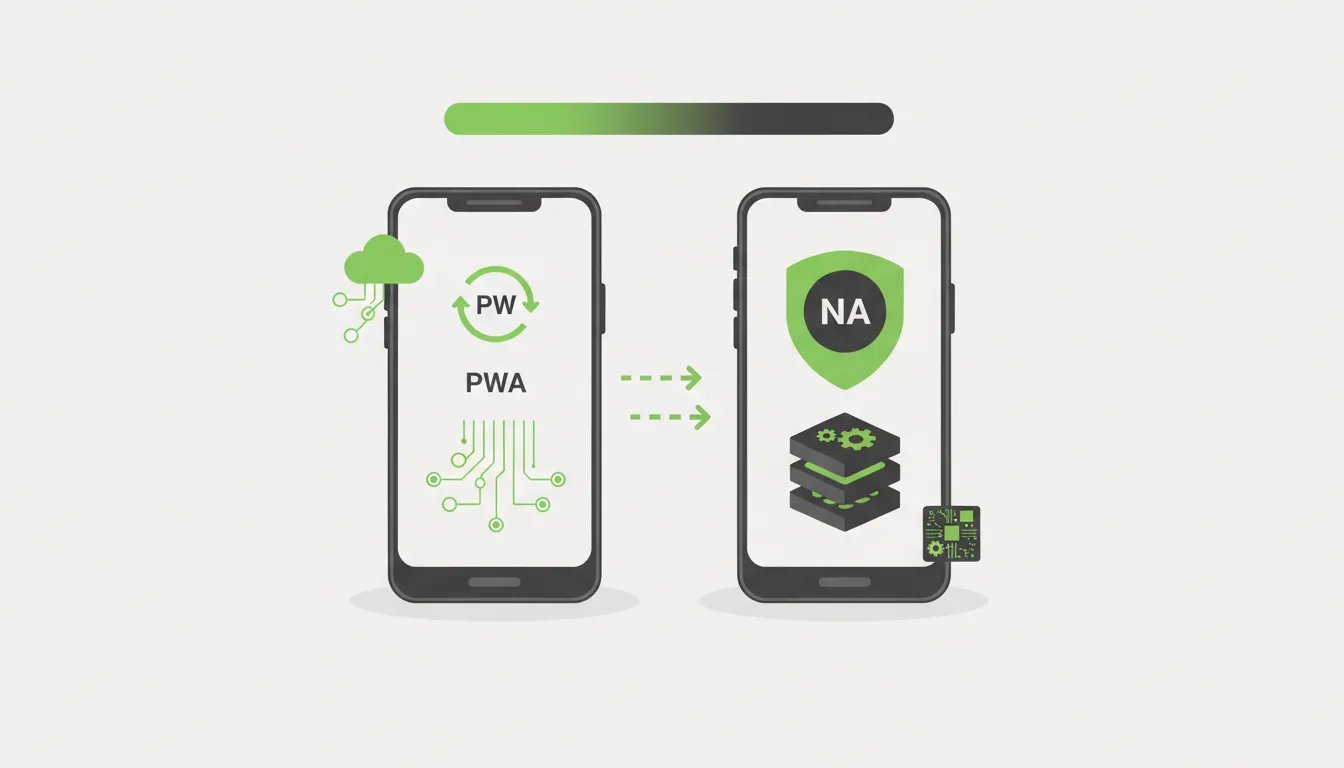
At Camfirst Solutions, we help businesses make strategic technology decisions every day. The decision between building a Progressive Web App (PWA) and a native mobile application is one that businesses face more frequently as mobile usage continues to dominate digital interactions. Both approaches serve the goal of reaching users on their devices, but they differ significantly in how they achieve it. Understanding the strengths and limitations of each option will help you invest your development budget wisely.
What Is a Progressive Web App?
A Progressive Web App is a web application built with standard web technologies — HTML, CSS, and JavaScript — using modern web development frameworks that deliver an experience comparable to a native mobile app. PWAs use service workers, web app manifests, and modern browser APIs to provide features traditionally reserved for native applications, including offline access, push notifications, and home screen installation.
Unlike traditional websites, PWAs can function without a consistent internet connection, load almost instantly on repeat visits, and offer a full-screen experience without browser navigation bars. Major companies like Starbucks, Pinterest, and Twitter have adopted PWAs to complement or replace portions of their native app strategies.
How PWAs Work
PWAs rely on three core components:
- Service workers — Background scripts that intercept network requests, cache resources, and enable offline functionality
- Web app manifest — A JSON file that tells the browser how the app should appear when installed on a device, including its name, icons, and display mode
- HTTPS — PWAs require a secure connection to ensure data integrity and enable service worker registration
When a user visits a PWA and meets certain engagement criteria, the browser may prompt them to “install” the app on their home screen. This creates a shortcut that opens the PWA in a standalone window, making it feel like a native application.
What Is a Native App?
A native app is a software application built specifically for a particular operating system using platform-specific programming languages and development tools. iOS apps are typically built with Swift or Objective-C, while Android apps use Kotlin or Java. Native apps are distributed through app stores — the Apple App Store and Google Play Store.
Native development gives developers full access to device hardware and operating system features, enabling the most performant and feature-rich mobile experiences possible.
Performance Comparison
Performance is often the deciding factor when choosing between a PWA and a native app. The differences are measurable and worth understanding.
Native App Performance
Native apps run compiled code directly on the device hardware. This means smoother animations, faster load times, and more efficient memory management. For applications that require complex graphics rendering, real-time data processing, or heavy computational tasks, native apps consistently outperform their web-based counterparts.
Gaming apps, augmented reality experiences, and applications with complex animations benefit most from native performance. The direct access to GPU acceleration and device sensors allows native apps to push hardware capabilities to their limits.
PWA Performance
PWAs have made significant strides in performance, particularly with advances in browser engines and web APIs. Service worker caching means that repeat visits load almost instantly, and modern JavaScript engines execute code far more efficiently than they did even a few years ago.
However, PWAs still operate within the browser’s runtime environment, which adds an abstraction layer between the code and the hardware. The choice of framework also matters — our React vs Next.js vs Astro comparison covers the best options for building high-performance web applications. For most business applications — including e-commerce, content delivery, booking systems, and informational tools — this performance gap is negligible and unnoticeable to end users.
Development Cost and Timeline
Budget is a practical concern for every business, and the cost difference between PWAs and native apps is substantial.
Native App Costs
Building a native app typically requires developing two separate codebases — one for iOS and one for Android. This effectively doubles the development effort, testing requirements, and ongoing maintenance burden. A mid-complexity native app can cost between $50,000 and $200,000 or more, depending on features and design requirements.
You also need to account for app store fees, review processes, and compliance with platform-specific guidelines. Apple charges a $99 annual developer fee, and Google charges a one-time $25 registration fee. Both platforms take a percentage of in-app purchases and subscriptions.
If your business needs a polished, high-performance app built to platform standards, our app development services can help you navigate native development efficiently.
PWA Costs
A PWA requires a single codebase that works across all platforms and devices. Development costs are typically 30 to 50 percent lower than building equivalent native apps for both iOS and Android. Maintenance is simpler because updates are deployed to the web server and immediately available to all users without requiring app store review.
PWAs also eliminate app store fees and the revenue share that platforms take on in-app transactions. For businesses that need a strong web app without the overhead of native development, PWAs offer a compelling cost advantage.
Offline Functionality
Both PWAs and native apps can function offline, but they achieve it differently.
Native apps store data locally on the device and can operate fully offline for features that do not require server communication. Banking apps, note-taking tools, and media players that download content all work seamlessly without connectivity.
PWAs use service workers to cache assets and data, enabling offline access to previously loaded content. The Cache API and IndexedDB allow PWAs to store significant amounts of data locally. However, any feature that requires fresh server data will not function until connectivity is restored.
For most business use cases, PWA offline capabilities are sufficient. Users can browse products, read content, fill out forms, and interact with cached data. The forms and actions queue up and sync when the connection returns.
Push Notifications
Push notifications are a critical engagement tool, and both PWAs and native apps support them — though with important differences.
Native apps have had push notifications from the beginning. They integrate deeply with the operating system notification system, supporting rich media, action buttons, grouped notifications, and granular delivery controls. Users opt in during app installation or at a contextually appropriate moment.
PWAs gained push notification support through the Push API and Notification API. On Android, PWA push notifications are functionally equivalent to native app notifications. On iOS, Apple added PWA push notification support in iOS 16.4, closing a long-standing gap. However, iOS PWA notifications still have some limitations compared to native implementations, including restrictions on background processing and notification grouping.
App Store vs. Web Distribution
How users discover and install your application significantly impacts adoption rates.
App Store Distribution
Native apps benefit from the built-in discovery mechanisms of app stores. Users actively search for solutions, browse categories, and read reviews. Being listed in an app store lends credibility and trust, particularly for consumer-facing applications.
However, app store distribution comes with trade-offs. The review process can delay releases by days or weeks. Platform guidelines restrict certain types of content and monetization models. Competition within app stores is fierce, with millions of apps vying for attention.
Web Distribution
PWAs are distributed through the web, making them accessible via search engines, social media links, email campaigns, and direct URLs. There is no installation friction — users can start using a PWA immediately and optionally install it later.
This web-first distribution model aligns well with mobile app strategies that prioritize reach and accessibility over app store presence.
SEO Impact
One of the most significant advantages PWAs hold over native apps is their visibility to search engines. Because PWAs are web applications, their content is indexable by Google, Bing, and other search engines. This means your PWA pages can appear in search results, driving organic traffic without any additional marketing spend.
Native app content exists within a walled garden. While app store optimization (ASO) helps users find your app within the store, the content inside the app is invisible to web search engines. Deep linking and app indexing can bridge this gap partially, but they add complexity and do not match the SEO benefits of a well-optimized PWA.
If organic search traffic is a key acquisition channel for your business, a PWA combined with a solid SEO strategy gives you a structural advantage that native apps cannot match.
When to Choose a PWA
A PWA is the right choice when your business priorities align with the following scenarios:
- Budget constraints — You need to reach users on multiple platforms without the cost of multiple native codebases
- Content-driven applications — Your app primarily delivers content, product catalogs, or informational resources
- SEO matters — Organic search traffic is a meaningful part of your growth strategy
- Rapid deployment — You need to launch quickly and iterate without app store review cycles
- Broad reach — You want to reach users on any device with a modern browser, including desktop
- E-commerce — Online stores benefit from the combination of app-like experience and search engine visibility
Businesses in these categories should also consider investing in strong UI/UX design to ensure the PWA delivers an experience that feels polished and native-like.
When to Choose a Native App
A native app is the better investment when your requirements include:
- High-performance demands — Gaming, AR/VR, video editing, or real-time graphics processing
- Deep hardware integration — Bluetooth, NFC, advanced camera controls, or biometric authentication beyond basic fingerprint
- Complex offline functionality — Applications that need to perform significant processing without any network connection
- Platform-specific experiences — Apps that leverage iOS or Android-specific design patterns and features extensively
- In-app monetization — Subscription models or in-app purchases where the app store infrastructure simplifies payment processing
The Hybrid Approach
Many businesses find that the best strategy is not an either-or decision but a combination of both. A PWA can serve as the primary touchpoint for new users and organic traffic, while a native app provides a premium experience for engaged, returning users.
This approach lets you capture the SEO and reach benefits of a PWA while offering a native app for users who want deeper functionality and are willing to download from an app store. Companies like Twitter and Uber have successfully implemented this dual strategy.
Cross-platform frameworks like React Native and Flutter offer another middle ground, allowing you to build near-native experiences from a single codebase. For a deeper look at this approach, read our comparison of native vs cross-platform mobile app development. These frameworks can also be configured to share code with a PWA, reducing overall development effort.
Making the Right Decision
The choice between a PWA and a native app depends on your specific business goals, target audience, budget, and technical requirements. There is no universally correct answer, but the decision framework is clear:
- Start with your users — understand how they will discover and use your application
- Evaluate your feature requirements against each platform’s capabilities
- Consider your budget for both initial development and ongoing maintenance
- Factor in your growth strategy and the role of organic search in your acquisition model
Both PWAs and native apps are mature, capable platforms in 2026. The technology gap between them continues to narrow, making PWAs viable for an increasingly broad range of applications while native apps continue to push the boundaries of what mobile devices can do.
Next Steps
If you are weighing PWA versus native app development for your business, the Camfirst Solutions team can help you evaluate your requirements and recommend the right approach. We build high-performance web applications, native mobile apps, and PWAs with thoughtful UI/UX design that drives engagement. Contact us to discuss your project and get a tailored recommendation.


