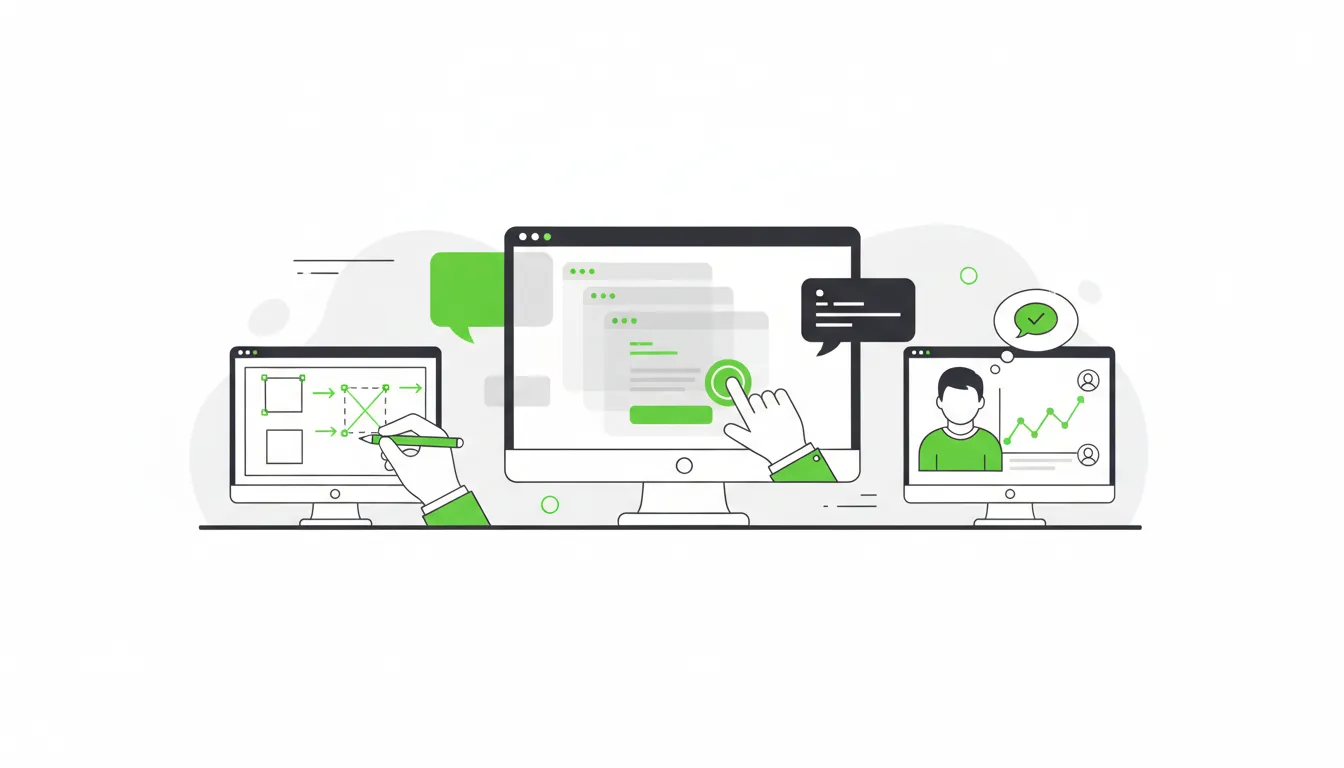
At Camfirst Solutions, we believe that behind every successful digital product is a deliberate, structured design process. The websites and applications that feel effortless to use are never the result of guesswork — they emerge from a disciplined methodology that puts users at the center of every decision. Whether you are launching a new product or redesigning an existing one, understanding the UI/UX design process gives you the knowledge to make smarter investments and demand better outcomes.
This guide walks through each stage of the process, from the earliest research activities through wireframing, prototyping, visual design, usability testing, and the final handoff to development. This is the proven workflow our UI/UX design team follows at Camfirst Solutions to deliver results that drive measurable business growth.
Design Thinking: The Foundation of Great Products
The UI/UX design process is rooted in design thinking, a human-centered methodology originally popularized by IDEO and the Stanford d.school. Design thinking is not a linear checklist — it is a mindset that prioritizes empathy, experimentation, and iteration.
The framework is typically broken into five stages: empathize, define, ideate, prototype, and test. In practice, these stages overlap and repeat. A usability test might reveal that the original problem definition was incomplete, sending the team back to the empathize and define phases. This willingness to revisit earlier assumptions is what separates mature design practice from superficial decoration.
Design thinking matters because it resists the most common failure mode in digital product development: building something nobody asked for. To understand why this foundation is so critical for business outcomes, read our guide on the importance of UI/UX design. By starting with deep user understanding rather than feature lists, design thinking ensures that every decision traces back to a real human need.
Organizations that adopt design thinking consistently outperform those that treat design as a cosmetic layer applied at the end. Research from McKinsey found that design-led companies outperformed industry benchmarks by as much as two to one over a five-year period. The process is the competitive advantage.
Research and Discovery
Every project begins with discovery. This phase establishes the strategic foundation for every design decision that follows, and skipping it is the single most common reason digital products fail to meet expectations.
Stakeholder Alignment
The first step is understanding the business context. Through structured interviews with founders, product managers, marketing leads, and customer-facing teams, we define business objectives, success metrics, brand constraints, and technical limitations. These conversations establish shared expectations and prevent costly misalignment later.
User Research
Quantitative data tells you what users do. Qualitative research tells you why. Both are essential. Common research methods include:
- User interviews: One-on-one conversations with five to eight representative users to uncover goals, frustrations, and mental models that analytics alone cannot reveal.
- Surveys: Broader data collection to validate or challenge patterns identified in interviews.
- Analytics review: Examining existing behavioral data for drop-off points, popular paths, and device breakdowns.
- Competitive analysis: Studying three to five direct competitors to identify industry conventions, user expectations, and gaps that represent differentiation opportunities.
The return on research investment is substantial. Industry data consistently shows that every dollar spent on UX research saves an estimated ten to one hundred dollars in downstream development costs by catching issues before code is written.
User Personas and Journey Mapping
Research findings are synthesized into user personas — fictional but data-backed profiles representing key audience segments. A strong persona includes demographic context, goals, frustrations, technical comfort level, and a representative quote that captures their mindset.
Journey maps then trace each persona’s complete experience with the product, from initial awareness through conversion, onboarding, and ongoing use. Each stage captures what the user is doing, thinking, and feeling, as well as where friction occurs. Journey maps reveal the moments where design intervention can deliver the greatest impact and help teams prioritize features based on real user needs rather than internal assumptions.
Wireframing: Structural Blueprint
Wireframes strip a design down to its structural essentials. They define layout, content hierarchy, and interaction patterns without the distraction of colors, images, or typography choices. This deliberate abstraction keeps feedback focused on what matters most at this stage: is the right content in the right place, and does the flow make sense?
Low-Fidelity Exploration
Low-fidelity wireframes are fast, rough sketches — often pen and paper or simple digital outlines. Their disposability is their strength. We typically generate three to five layout variations for key pages and evaluate each against the user needs identified during research.
Mid-Fidelity Refinement
Once a direction is selected, mid-fidelity wireframes add specificity. Content blocks become real headlines. Buttons carry actual labels. Forms show exact fields. These wireframes are detailed enough to gather meaningful stakeholder feedback and even conduct early usability tests, while remaining abstract enough that no one debates font choices or color preferences.
A critical principle here: never skip wireframing and jump straight to high-fidelity mockups. When stakeholders see polished visuals, feedback gravitates toward surface details instead of structural issues. Wireframes keep conversations productive and prevent expensive structural rework later.
For projects involving web development, wireframes also inform technical planning. The information architecture defined at this stage determines URL structures, navigation components, and content management requirements — decisions that are far cheaper to change in wireframes than in code.
Prototyping: Bringing Designs to Life
A prototype transforms static wireframes and mockups into an interactive experience that simulates the real product. Users can tap, click, scroll, and navigate through realistic flows without any code being written.
Interactive Fidelity Levels
Prototypes range from simple click-through sequences linking key screens together to high-fidelity simulations that include animations, conditional logic, and realistic data. The appropriate fidelity depends on what you need to learn and who you need to convince.
Low-fidelity prototypes are ideal for testing navigation structure and core task flows. High-fidelity prototypes are better for evaluating micro-interactions, onboarding sequences, and stakeholder buy-in presentations.
Why Prototyping Is Non-Negotiable
Prototyping bridges the gap between what stakeholders imagine and what the product will actually feel like in practice. Static mockups cannot reveal problems with flow, timing, feedback, and context that become immediately apparent when someone interacts with a design.
For app development projects, prototyping is especially critical. Mobile interactions involve gestures, device-specific patterns, and limited screen space that demand hands-on testing before committing to development. A prototype tested on an actual device catches issues that desktop-based design reviews consistently miss.
Visual Design: Crafting the Interface
With the structure validated through wireframes and prototypes, visual design brings the product to life with color, typography, imagery, and refined interaction details.
Design Systems
Before designing individual screens, we establish a design system — a collection of reusable components and guidelines that ensure consistency across the entire product. A comprehensive design system includes:
- Color palette: Primary, secondary, and accent colors with defined usage rules and accessibility-compliant contrast ratios meeting WCAG 2.1 standards.
- Typography: Font families, sizes, weights, and line heights for every text element, from page titles to form labels.
- Spacing and grid: Consistent margins, padding, and column structures that create visual rhythm.
- Component library: Buttons, inputs, cards, modals, navigation elements, and other UI components in every state — default, hover, active, disabled, error, and loading.
- Iconography and imagery: Consistent icon styles, illustration approaches, and photography guidelines.
Design systems are especially valuable for products maintained by multiple designers and developers over time. They accelerate future updates and ensure that new features feel like natural extensions of the existing experience rather than bolted-on afterthoughts.
High-Fidelity Mockups
High-fidelity mockups are pixel-perfect representations of the final product — real images, final copy, accurate colors, and production-ready typography. Staying current with visual trends ensures your mockups feel modern and relevant — see our roundup of the top web design trends for 2026 for inspiration. We design for multiple breakpoints, typically mobile, tablet, and desktop, because responsive design is not an afterthought. It is a core requirement baked into the process from the wireframe stage.
These mockups serve as the visual specification that development teams will reference during build, so precision matters. Every spacing value, color code, and font specification must be explicit and documented.
Usability Testing: Validating With Real Users
Usability testing puts the prototype in front of real users and observes how they interact with it. This is where assumptions are validated or challenged with evidence, and it is the single most valuable activity in the entire design process.
Conducting Effective Tests
A typical test involves five to eight participants matching the target personas. Each session lasts 30 to 60 minutes and follows a structured task script. Participants are asked to complete specific goals — find a product and add it to a cart, update account settings, complete an onboarding flow — while thinking aloud.
We track four key metrics across sessions:
- Task success rate: Can users complete the task without assistance?
- Time on task: How long does completion take compared to expectations?
- Error rate: How frequently do users take wrong paths or make mistakes?
- Satisfaction score: How do users rate the experience after completing tasks?
Iteration Based on Evidence
Usability testing almost always reveals surprises. Labels the team considered self-explanatory confuse real users. A feature deemed secondary turns out to be the first thing people look for. A navigation pattern that works on desktop fails on mobile.
Findings feed directly into design refinements. This iterative loop — design, test, refine, test again — is what elevates good design into great design. These same principles apply when creating landing pages that convert, where even small usability improvements can significantly boost conversion rates. We typically run two to three testing rounds on major projects, with each round producing measurable improvements in task completion rates and user satisfaction scores.
Handoff to Development
The transition from design to development is a critical juncture. A poor handoff leads to inconsistencies, rework, and frustration. A well-structured handoff accelerates development and protects design quality.
A Complete Handoff Package
A production-ready handoff includes:
- Organized design files with clearly named layers, components, and artboards.
- Detailed specifications for spacing, sizing, colors, and typography, often generated through tools like Figma’s inspect mode.
- Interactive prototypes demonstrating intended behavior, animations, and state transitions.
- Exported assets including icons, images, and illustrations in correct formats and resolutions for web and mobile.
- Annotation documents explaining edge cases, error states, empty states, and conditional logic that static mockups cannot convey.
- A living design system that serves as the single source of truth for both design and development teams.
Ongoing Collaboration
The best outcomes happen when designers and developers collaborate throughout the process, not just at handoff. At Camfirst Solutions, our designers work alongside our web development and WordPress development teams from the start. Developers participate in design reviews, flag technical constraints early, and provide feasibility input. Designers stay engaged during implementation to review builds and catch deviations before they ship.
This collaborative model reduces the gap between the designed experience and the built product, ensuring the final result matches the vision that was tested and validated with real users.
Why the Process Matters
It is tempting to shortcut the process when timelines are tight or budgets are constrained. But each phase exists because it builds on the phase before it. Research informs personas. Personas guide wireframes. Wireframes validate structure before visual design adds complexity. Prototypes catch problems before code is written. Testing validates everything with real evidence.
Skipping research means designing based on assumptions. Skipping wireframes means debating layout during visual design. Skipping testing means discovering usability issues after launch, when they are exponentially more expensive to fix.
The process scales to fit any project. A focused landing page might move through these phases in a week. A complex enterprise application might spend months in research and testing alone. The sequence and principles remain constant regardless of scope.
Start Your UI/UX Design Project With Expert Guidance
At Camfirst Solutions, we follow this complete design process because it consistently delivers better outcomes for our clients. From initial research through post-launch optimization, every phase is designed to reduce risk, align teams, and create products that users genuinely value.
Whether you need a new product designed from scratch, a redesign of an existing platform, or a design system to bring consistency across your digital presence, our UI/UX design team works hand-in-hand with our graphic design experts to guide you through every stage. We pair design excellence with strategic thinking to ensure your digital product not only looks outstanding but performs measurably better.
Ready to get started? Contact us to schedule a free consultation and discover how a structured design process can transform your next digital project.


